メニュー 閉じる

OneDrive:共有を受ける

▶マニュアル(OneDrive)へ

  • 学生が教員から OneDrive 上の資料の「共有」を受ける方法は、主に下記の2通りあります
  • ダウンロード・編集の可否は、所有者による共有設定で指定されています

共有リンクから開く方法 / 招待メールから開く方法

共有リンクから開く方法

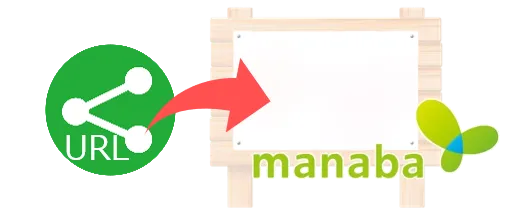
1.manaba 等に掲載された共有リンクをクリック

OnneDrive共有イメージ

Topへ

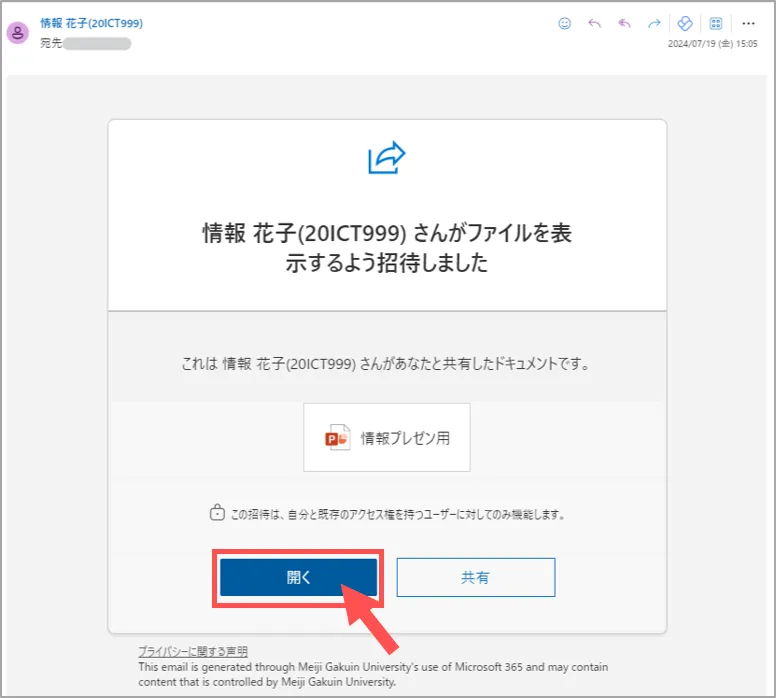
招待メールから開く方法

1.MGメールを開く

2.「招待メール」を開く

3.「開く」をクリック

OnneDrive共有イメージ

Topへ

作成:2024/07

This website stores cookies on your computer. These cookies are used to provide a more personalized experience and to track your whereabouts around our website in compliance with the European General Data Protection Regulation. If you decide to to opt-out of any future tracking, a cookie will be setup in your browser to remember this choice for one year.

Accept or Deny